Liquid Glass for Android
The Liquid Glass look, on your Android home screen
Wadiget brings glass to Android: clear and dark glass widgets, live wallpapers with real glass that bends the light behind it, depth layers that slide with your pages, and 4K wallpapers for the home and lock screen.
Android 10 and newer · Free on Google Play
Today
- Morning run
- Design review
- Call mom
Everything you need for glass, in one app
Glass widgets
Turn any widget into glass: clear Glass or Dark glass, with any opacity from 0 to 100%. Clocks, weather, prayer times, calendars, to-do lists and more.
Real blur on Samsung
On Samsung Galaxy phones, Samsung blur frosts the wallpaper behind the widget just like One UI's own widgets, with a strength slider.
Live glass wallpapers
Real glass inside the wallpaper that refracts and blurs what is behind it. Set the tint, blur, refraction, edge, shine and edge colours, and let it adapt to what is behind.
Depth and parallax
Separate layers give real depth: the clock can sit behind a mountain, and the layers slide as you swipe between home screen pages.
Weather and motion
Add snow, rain or falling petals, pick full, calm or still motion, and play an animation when the screen turns on.
Home and lock screen
Apply a wallpaper to the home screen, the lock screen or both, and put selected widgets on the lock screen of supported Samsung phones.
4K wallpapers
Wallpapers in up to 4K, from nature and cities to dark and abstract, chosen to look their best behind glass.
How to get the Liquid Glass look on Android
- 1
Install Wadiget from Google Play.
- 2
Choose a wallpaper with colour and contrast: glass looks best over a photo or a gradient.
- 3
Open a widget, go to Background, choose Glass or Dark glass, then set the opacity.
- 4
On a Samsung phone, turn on Samsung blur for real frosted glass.
- 5
For glass that moves and bends the light, open Live wallpapers, pick a design and set its material to Glass.
- 6
Apply it to Home & lock, and add your glass widgets on top.
iOS 26 Liquid Glass and Wadiget on Android
Wadiget does not replace Android's own menus and settings. It brings the glass look to what you see most: your widgets and wallpapers.
| iOS 26 Liquid Glass | Wadiget on Android | |
|---|---|---|
| Where you see it | Across the iPhone's interface | Home screen and lock screen widgets and wallpapers |
| Light bending through glass | Yes | Yes, in live glass wallpapers |
| What you can adjust | Clear or tinted | Tint, blur, refraction, edge, shine, edge colours, opacity |
| Phones | iPhone with iOS 26 | Android 10 and newer |
| Price | Built into iOS | Free, with optional Pro designs |
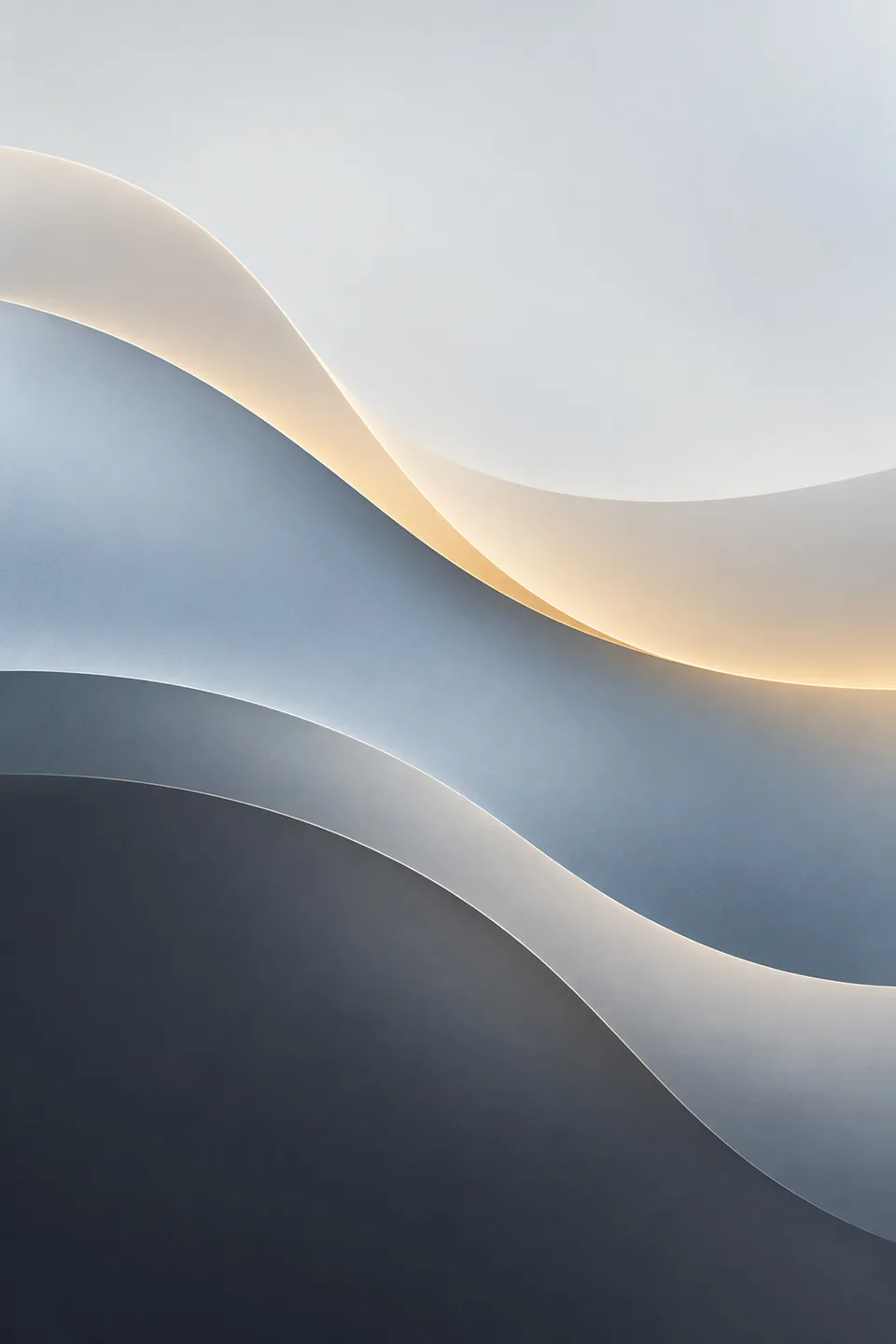
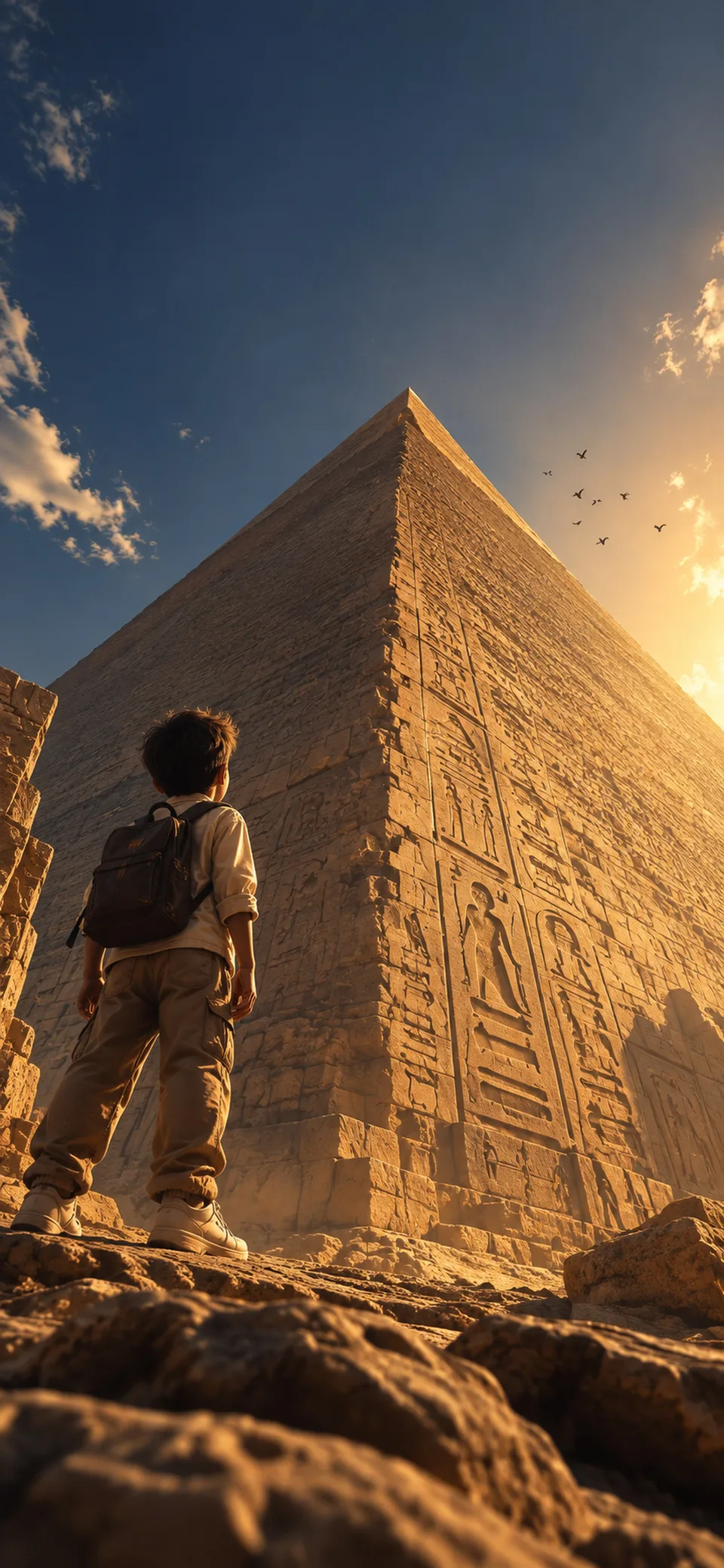
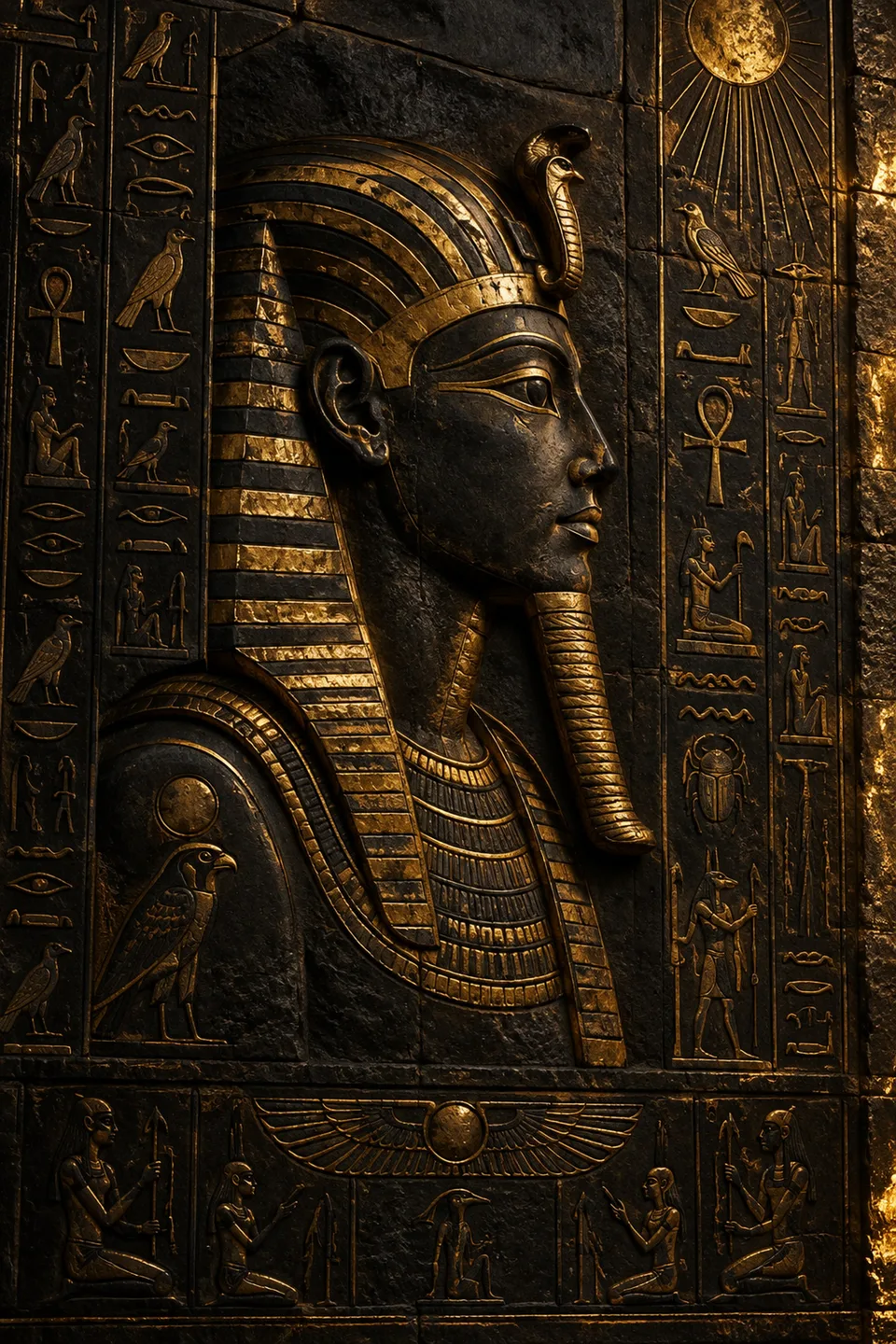
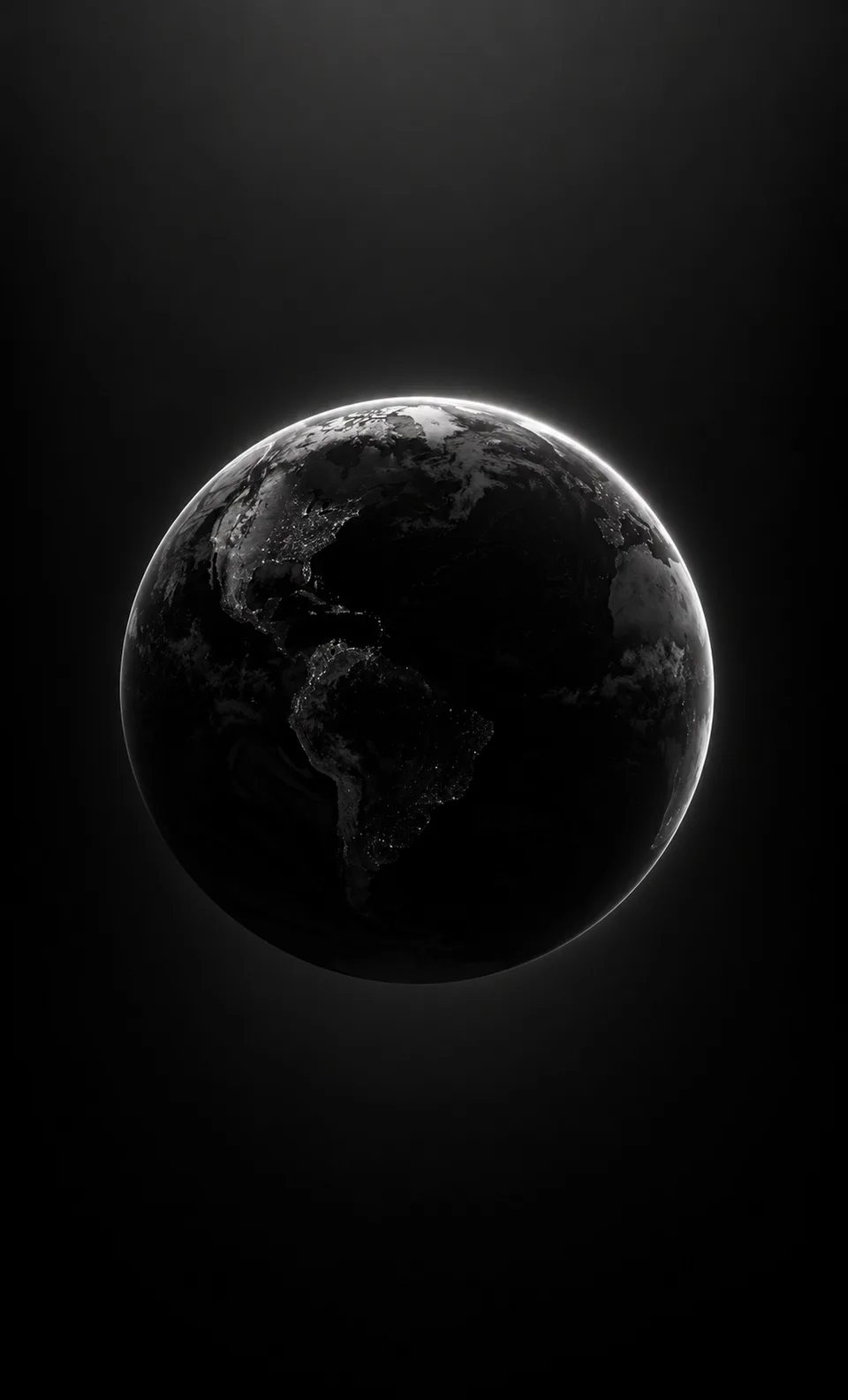
4K wallpapers made for glass
All wallpapers

Glass home screen ideas
All home screen ideas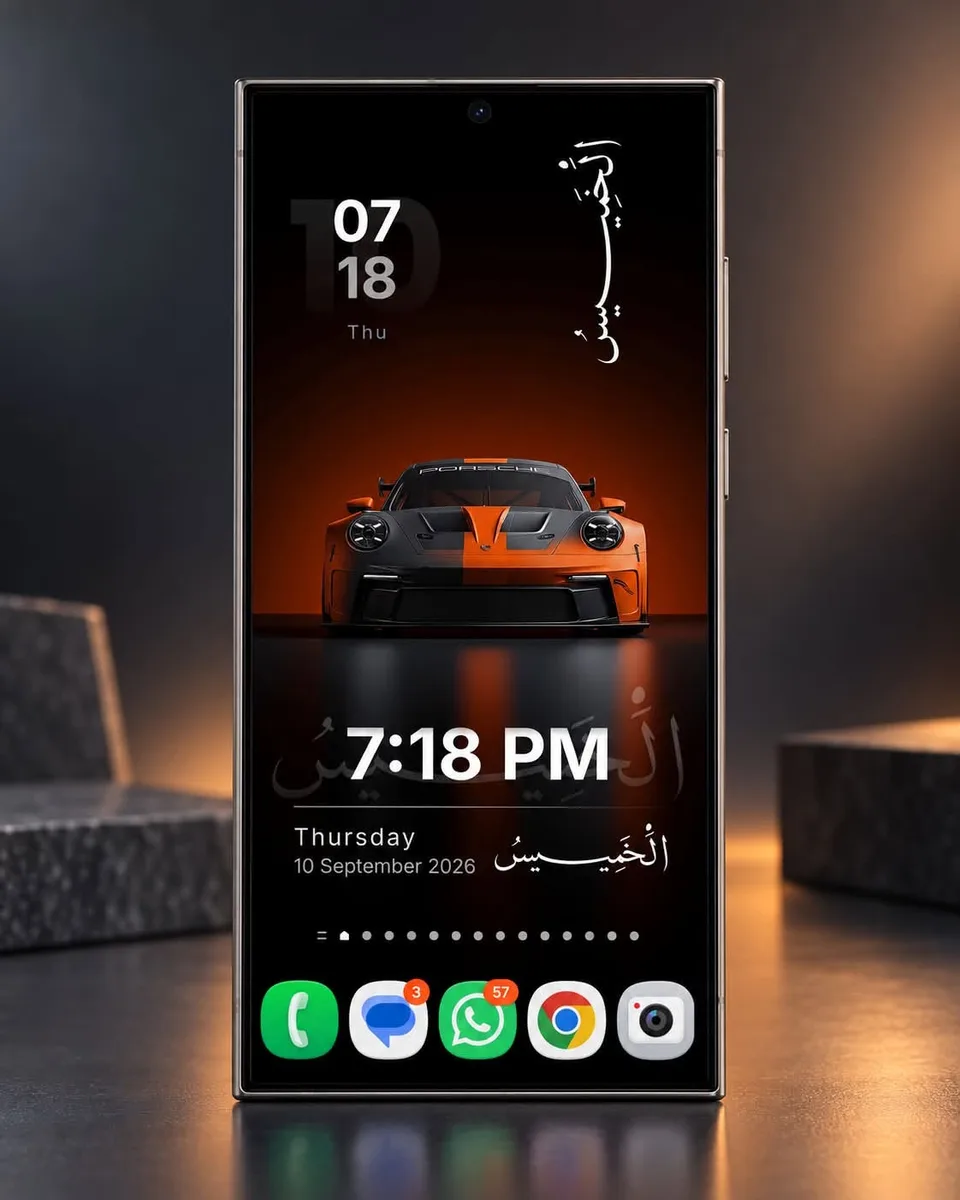 Islamic home screen setup in black, with Arabic calligraphy, the Hijri date, and glass widgets
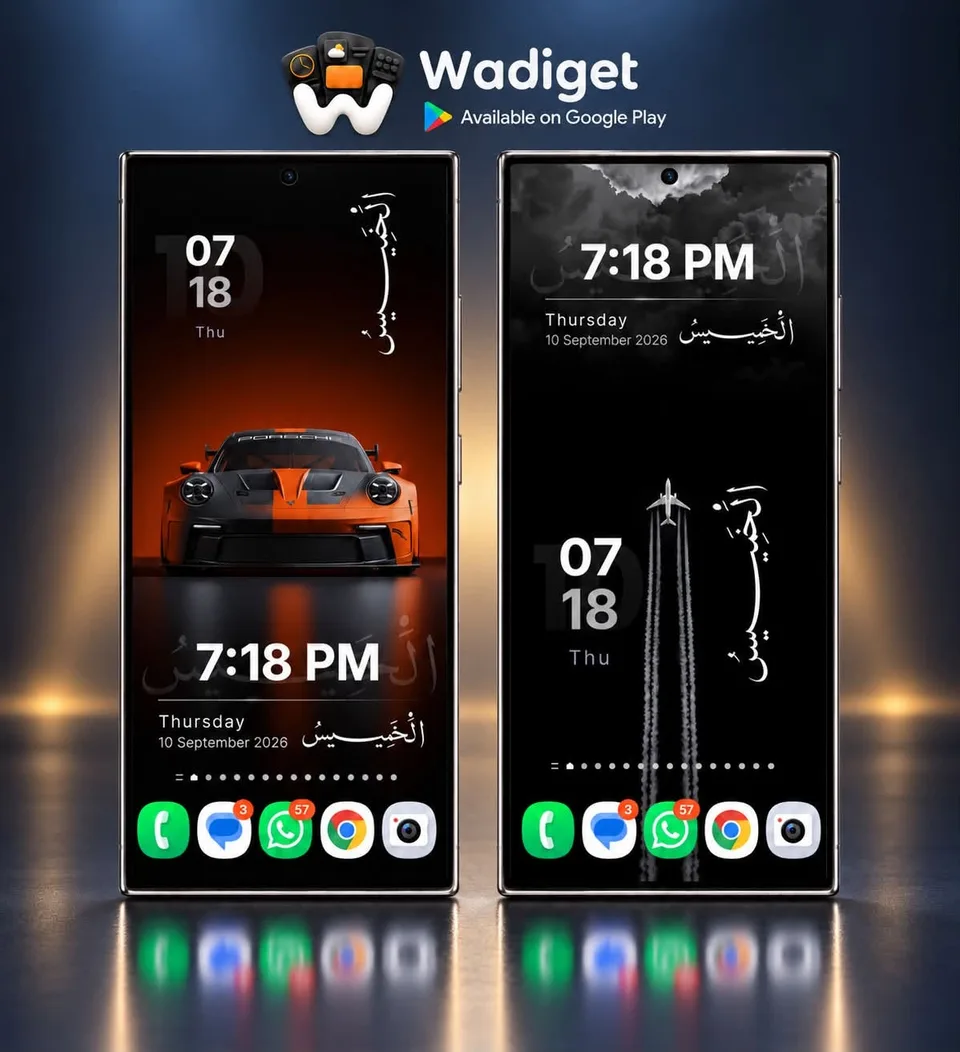 Family home screen setup in black, with glass widgets and a clock
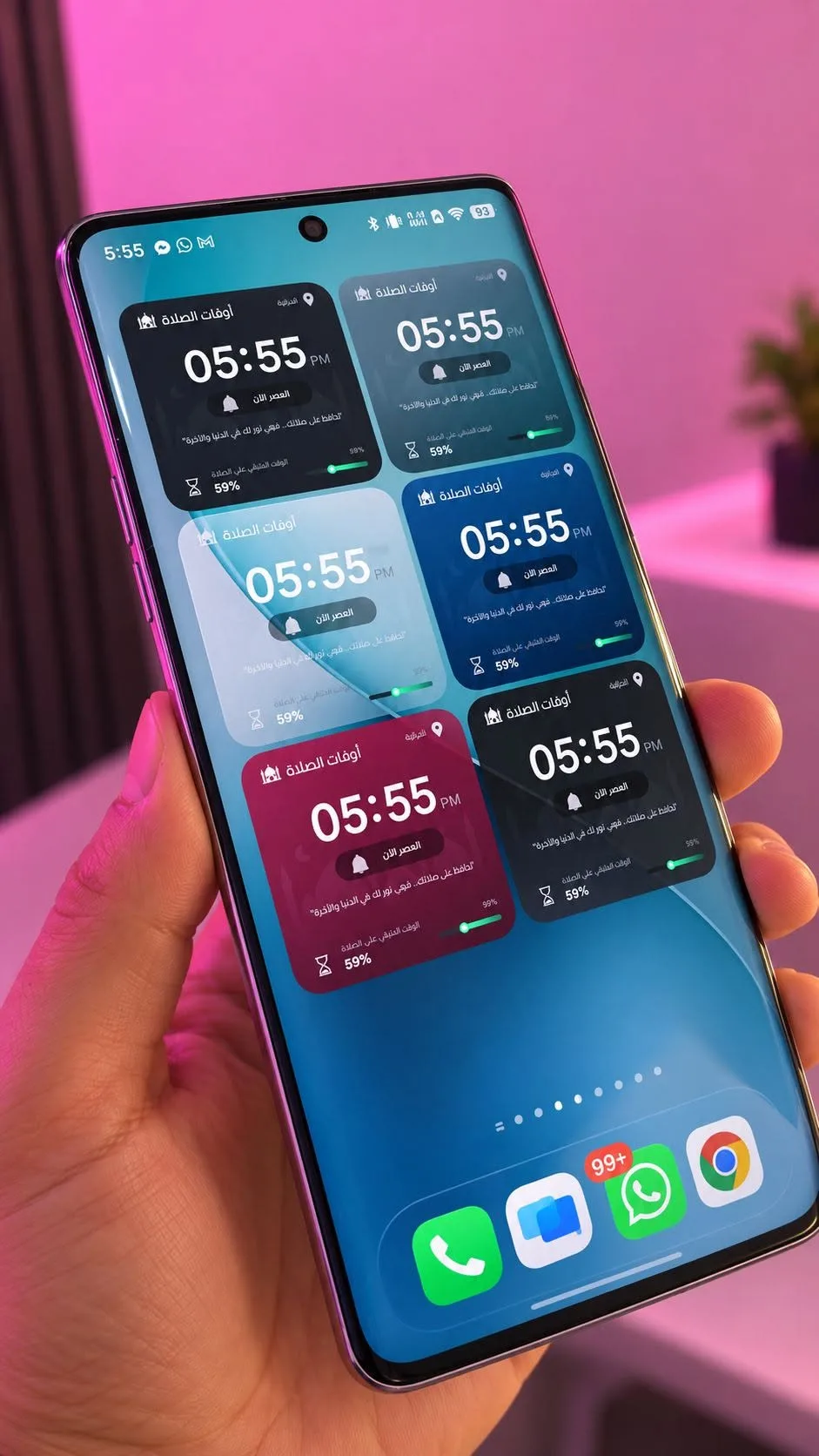 Productivity home screen setup in pink, with a clock, glass widgets, and a countdown
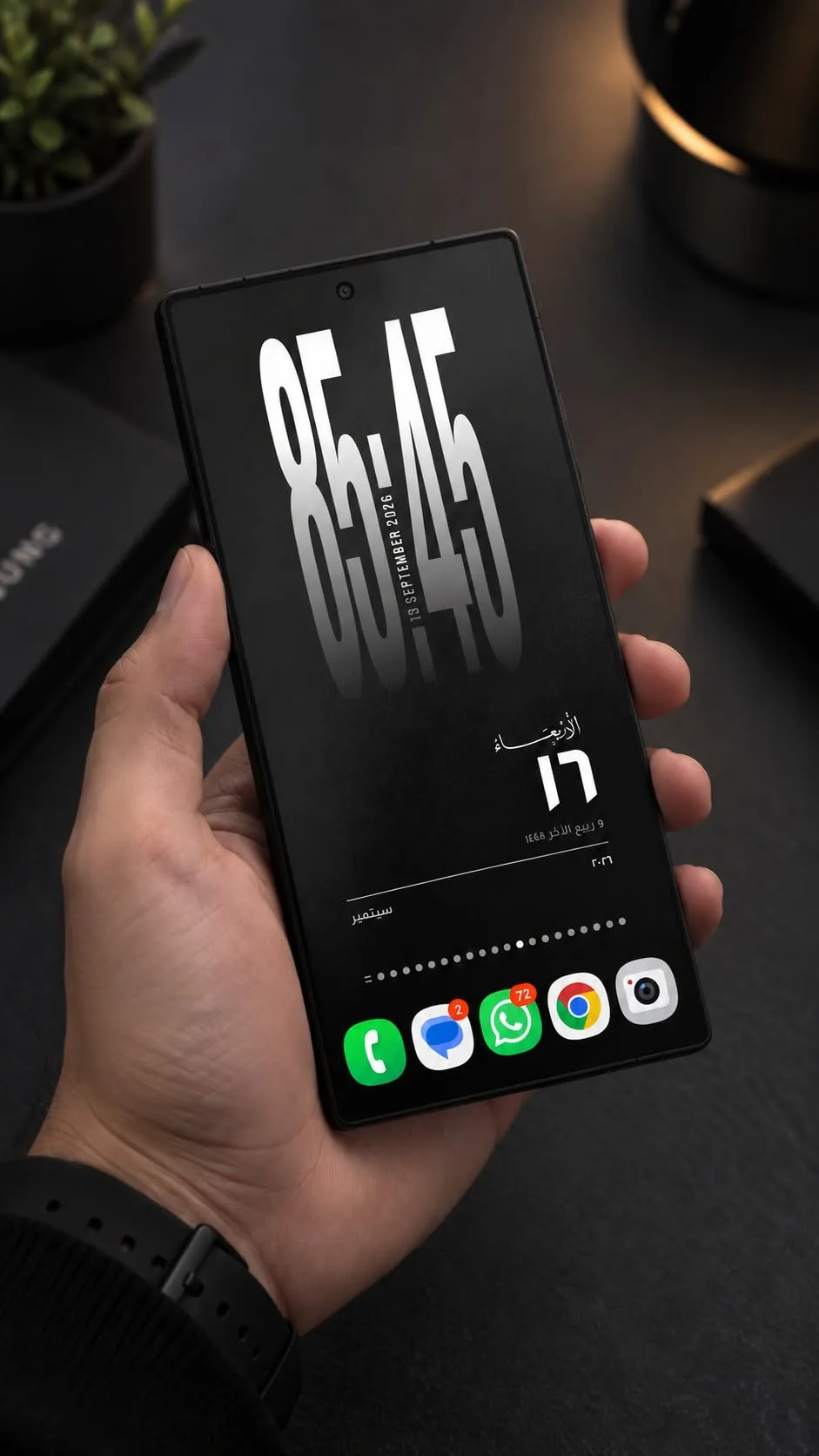 Dark home screen setup in black, with a clock and glass widgets 2
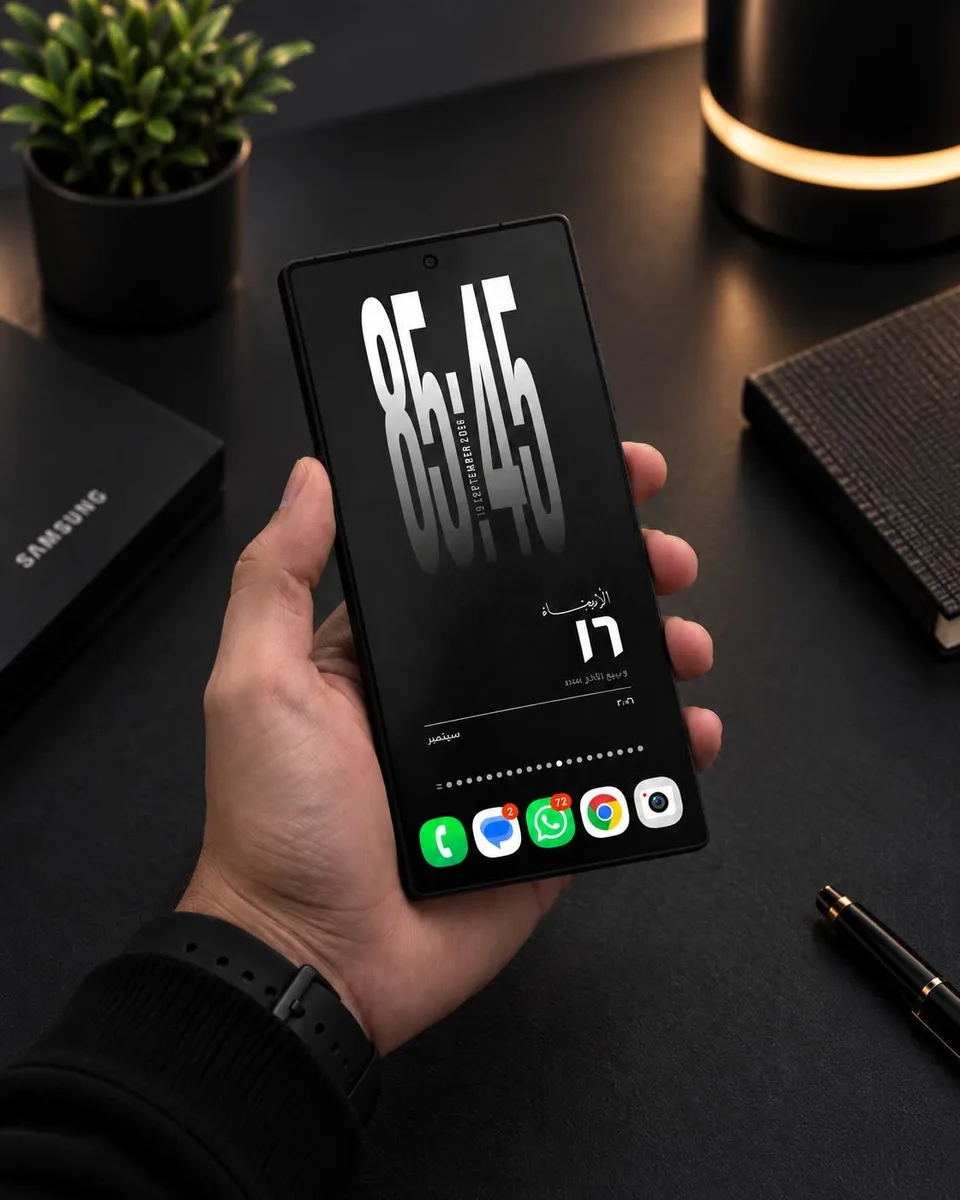 Dark home screen setup in black, with glass widgets and Arabic calligraphy
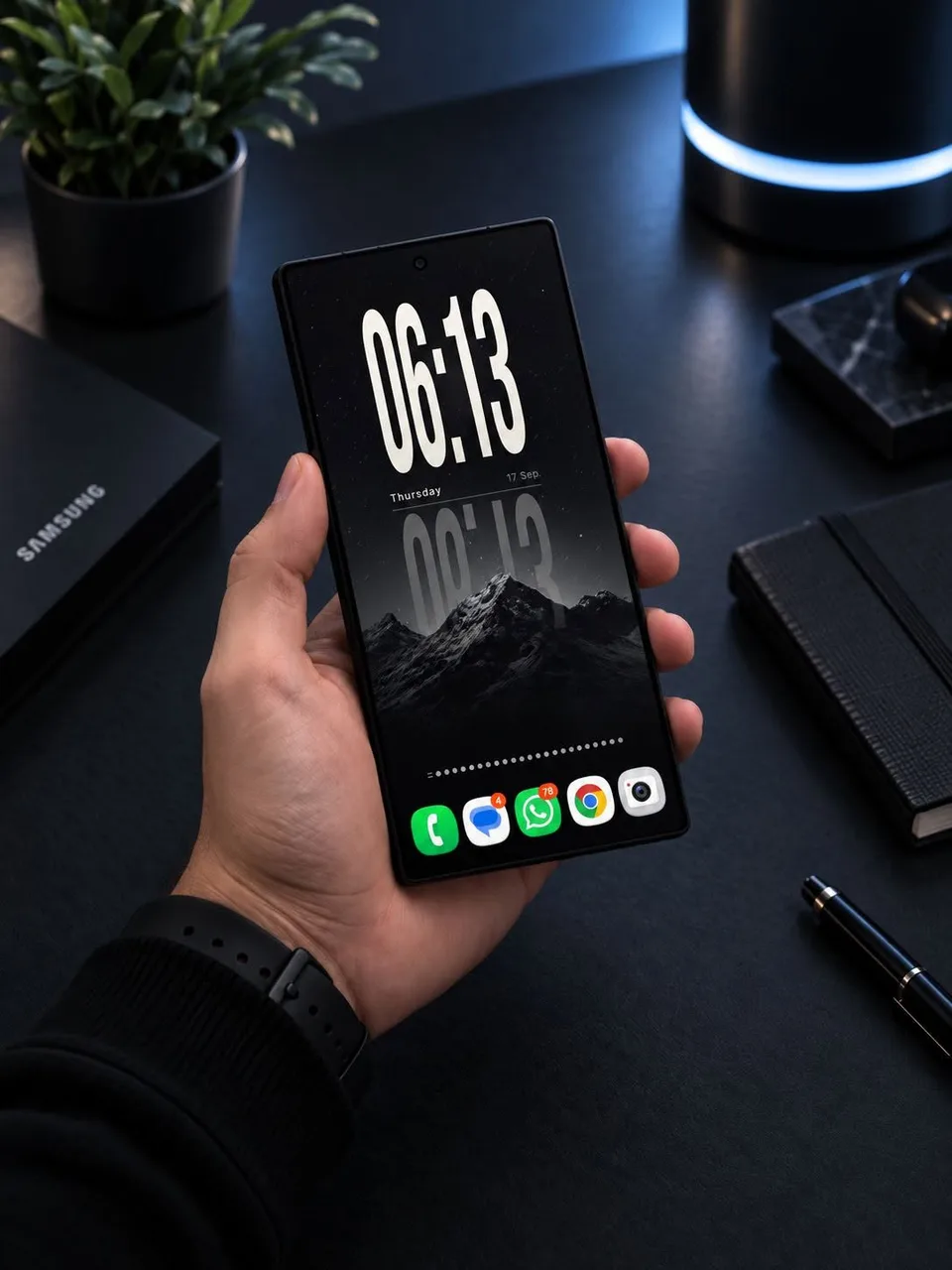 Dark home screen setup in black, with a clock, glass widgets, and a countdown
Questions
Can I get Liquid Glass on Android?
Yes, on your home and lock screen. Wadiget gives you glass widgets and live wallpapers with real glass that refracts the wallpaper behind it. Android's own menus and settings keep their usual look.
Is it free?
Wadiget is free on Google Play, and glass widgets are included. Some designs and live wallpapers are part of Wadiget Pro.
Which phones does it work on?
Android 10 and newer. Samsung blur needs a Samsung Galaxy phone. Live wallpapers run in full motion on capable phones and switch to a lighter or still mode on others.
Does a live glass wallpaper drain the battery?
Wadiget fits it to your phone: full motion, a light mode that pauses ambient motion, or a still image, and it switches to the light mode when battery saver is on.
Can I put glass widgets on the lock screen?
On supported Samsung Galaxy phones, selected widgets can go on the lock screen, natively on recent One UI versions or through Good Lock. Wallpapers can be set on the lock screen of any phone.
Is a Liquid Glass APK safe?
Unofficial APKs can contain malware and do not get updates. Get your glass widgets and wallpapers from Google Play instead.